Code Anywhere at Home: Pop-Up Workspaces that Deliver

Set up code-ready corners in minutes with pop-up workspace strategies for temporary home coding. We’ll show you how to scan a room, deploy compact gear, protect your focus, and pack it all away fast, without sacrificing ergonomics, security, or momentum. Expect practical checklists, real stories from messy apartments and quiet attics, and tools that respect budgets. Jump in, share your quick-setup wins in the comments, and subscribe if you want more resilient routines for coding anywhere your household day happens to allow.

Instant Setup Foundations

Great pop-up workspaces start with fast, confident decisions. Learn to read a room in moments: where the outlets hide, which surfaces wobble, how sunlight shifts across the day, and where noise actually originates. Build a five-minute checklist that weighs stability, airflow, and proximity to doorways, then pick a fallback location when company arrives early or laundry starts late. You will move from indecision to action, saving energy for deeper coding, calmer collaboration, and easier teardown at night.

Choosing a Spot in Ninety Seconds

Sweep the area for a stable surface, a real chair, and a reachable outlet, then confirm your camera background and the path behind you. Favor corners with fewer traffic lines and better acoustics. If you share space, align with household patterns: meals, naps, music lessons, or noisy deliveries. Mark a default location and a backup so you never stall. This quick routine transforms uncertainty into momentum, letting you start coding while others are still hunting for a charger.

Power and Connectivity in a Flash

Adopt a compact kit: one slim surge strip, a short extension cord, and a small hub with reliable USB-C power delivery. Place cables where feet will not catch them and train yourself to pack in reverse order. Test Wi‑Fi before joining standup; if it stutters, tether briefly and move on. Label your primary charger so it returns to your bag. This small ritual keeps your battery steady, your network predictable, and your setup time comfortably under five minutes.

Ultra-Portable Displays without Headaches
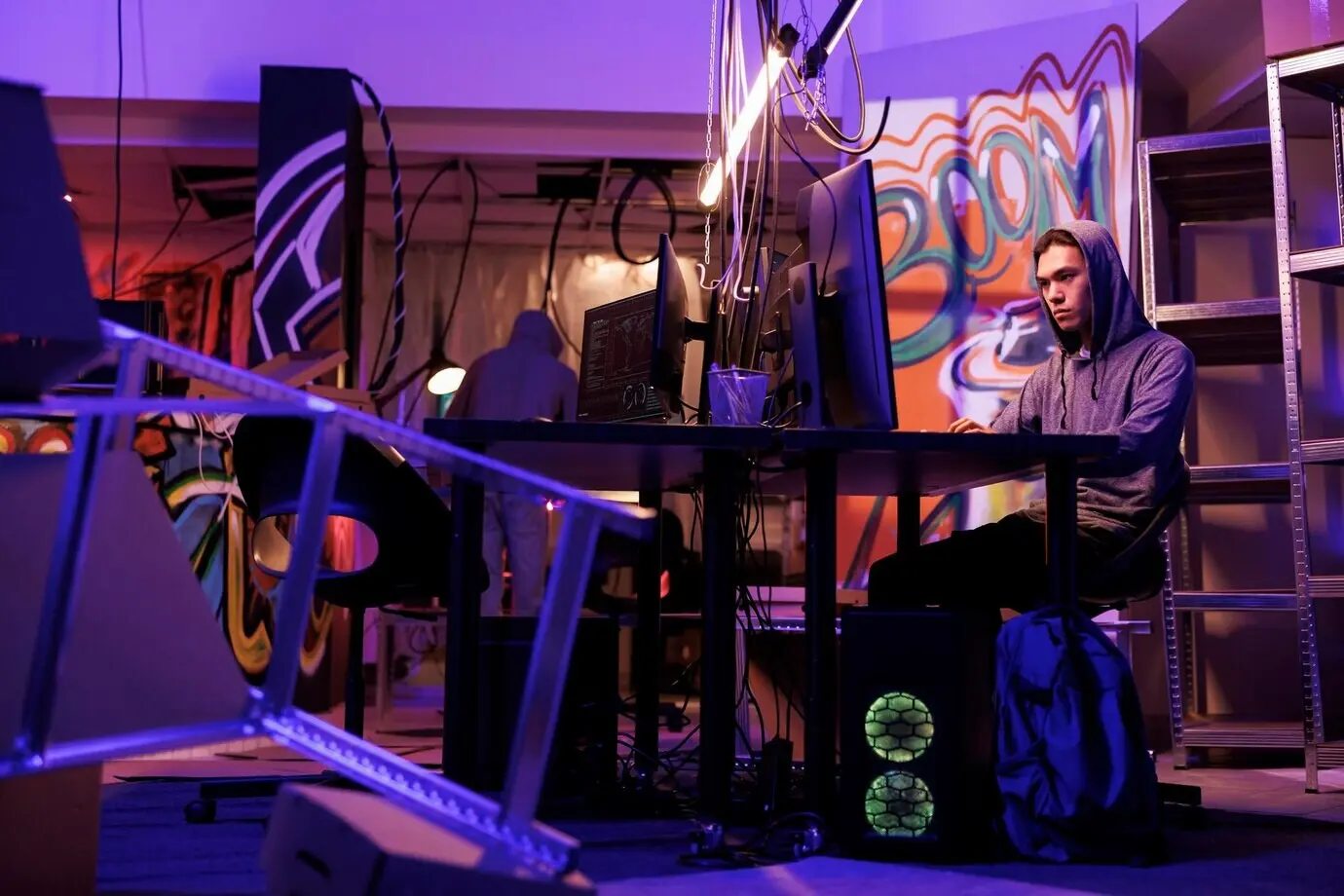
A thin USB‑C portable monitor can double your screen estate without anchoring you to one room. Confirm power pass‑through, matte finish, and a stand that does not sag. When weight matters, use a tablet as a status dashboard. If a second panel is impossible, master tiling windows and switch with consistent hotkeys. Calibrate brightness to match your laptop and increase text size before fatigue arrives. The goal is effortless visibility, not lugging an anchor between kitchen and couch.

Keyboard, Pointing, and Stands that Save Wrists

Keep wrists neutral by raising the laptop screen and separating input devices. A compact mechanical keyboard offers crisp feedback; a low-profile board packs flatter. Trackpads excel on soft surfaces, while a travel mouse brings precision on tiny tables. Use a collapsible stand or stack sturdy books to eye level. Add a slim palm rest and keep elbows close to the body. This small choreography prevents strain, keeps typing consistent, and preserves energy for hard architectural decisions.

A Pocket Dock and Cable Discipline

Choose a tiny hub with the exact ports you need: pass‑through power, a single video output, and dependable USB for peripherals. Favor short, right‑angled cables that route cleanly and avoid accidental yanks. Bundle with reusable ties, color‑code ends, and keep spares separated from daily leads. Update firmware occasionally so monitors wake instantly. Above all, avoid daisy chains that introduce lag. A disciplined micro‑infrastructure makes your temporary desk behave like a dependable workstation, yet packs away in seconds.

Ergonomics on a Folding Table

Healthy posture can happen even on borrowed furniture. Aim for a neutral neck, supported lower back, relaxed shoulders, and feet planted on something solid. If the chair is wrong, fold a towel for lumbar support or place a box under your feet. Schedule micro‑breaks before discomfort whispers. Test alignment by glancing straight at code lines without tilting your head. These simple adjustments reduce fatigue, keep wrists happier, and make temporary setups feel kinder to your body and focus.

Posture without Fancy Chairs

Use what you have: a rolled towel behind your lower back, hips slightly above knees, and feet resting on a sturdy book or a storage bin. Slide close enough so shoulders can drop. Keep screens at or just below eye height to avoid neck tilt. If the surface is high, raise your chair and support your feet. Comfort compounds focus. Share your quick fixes with readers; your improvisation might spare someone else a sore neck and a lost evening.

Standing Alternatives with Household Items

To stand, stack stable boxes until the keyboard reaches elbow height and the monitor centers around eye level. Lay a yoga mat or a folded blanket for a softer surface. Rotate standing and sitting rather than chasing marathon posture. If balance wobbles, widen your stance and relax your knees. Keep cables safe from wandering feet. A few experiments reveal comfortable heights and rhythms, letting you code longer without aching hips, while teardown remains effortless at day’s end.

Start and Stop Rituals

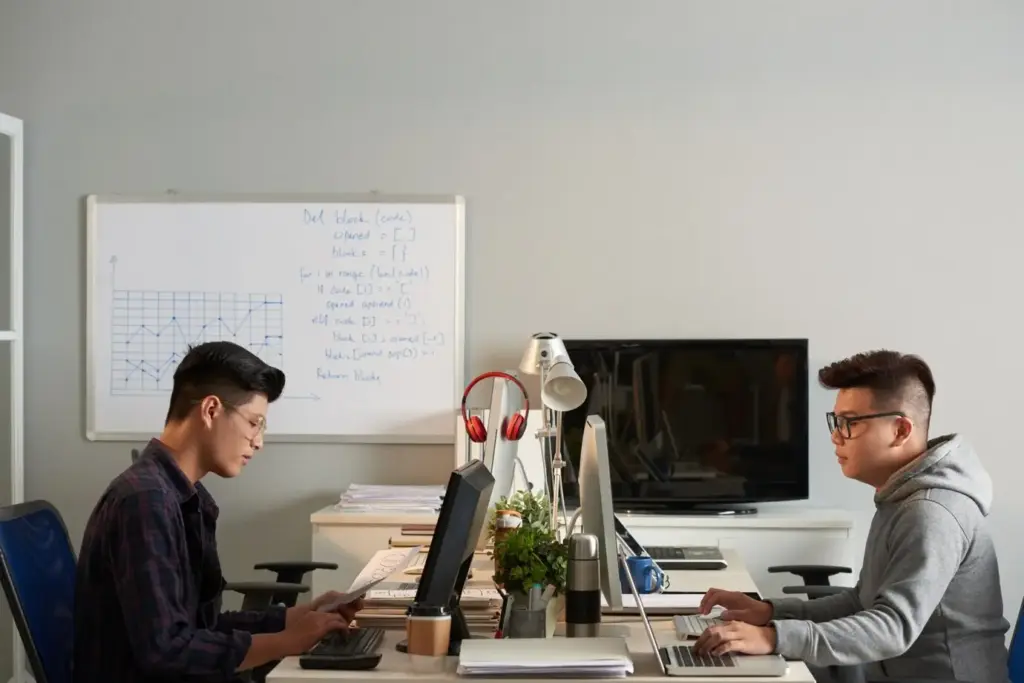
Begin by clearing a placemat‑sized area, opening your sprint board, and lighting a small lamp that means “heads‑down time.” End by closing tabs, noting one next step, and returning the lamp to a drawer. Share this pattern with housemates so expectations are predictable. A two‑minute boundary ritual reduces ramp‑up friction dramatically. Over days, your brain associates these actions with flow. Invite readers to share their own signals; your next favorite idea may be delightfully simple.

Noise and Interruption Management

Identify noise sources by timing them for a day: appliances, traffic, gaming, or birds. Choose headphones for calls, white noise for coding, and earplugs for reading specs. Post a friendly door sign with a return time. When family must interrupt, agree on a gentle touch or sticky note instead of loud questions. Keep snacks nearby to prevent kitchen detours. These habits reduce spikes in stress and help you reenter complex code paths without losing precious context.

Timeboxing and Sprint Cadence in Shared Space

Give work a heartbeat: blocks that begin on the quarter hour and end before the next household wave. Pick durations that match your environment, perhaps forty minutes plus a short reset. Stack shallow tasks near noisy periods and reserve deep refactors for quieter hours. Announce a daily “last call for interruptions” before an important session. This cadence builds predictability, keeps morale steady, and helps teammates trust your availability, even when your desk is literally the dinner table.

Security and Privacy in Impermanent Spaces

Temporary setups deserve permanent habits: lock screens quickly, update systems, encrypt drives, and guard credentials. Consider sightlines for sensitive dashboards and use a simple camera cover between calls. Prefer guest Wi‑Fi plus a trusted VPN, and disable file sharing you do not need. Keep notebooks clean of secrets and treat teardown as a security sweep. With a few routines, your ad‑hoc desk remains professional, protecting users, code, and conversations while you move fluidly through rooms and responsibilities.

Protecting Code and Credentials on the Move

Rely on a password manager, hardware authentication where possible, and per‑project environment files that never leave safe storage. Keep SSH keys minimal and auditable. Use editor extensions to prevent accidental secrets in commits. Close terminals before stepping away and enable short auto‑locks. At teardown, sweep for USB sticks and paper notes. Security thrives on small, repeatable behaviors that travel with you, so your pop‑up desk stays trustworthy whether it lives on a coffee table or balcony.

Networking Hygiene on Shared Routers

When borrowing household Wi‑Fi, prefer the guest network to isolate devices, and always route company traffic through your approved VPN. Disable AirDrop, network discovery, and ad‑hoc sharing outside controlled contexts. Consider private DNS or encrypted DNS if allowed. If the router groans, move closer rather than boosting transmit power. As a fallback, tether briefly and watch data usage. These habits keep repositories private and calls stable while honoring the realities of shared equipment and unpredictable bandwidth.

When Meetings Happen in the Kitchen

Choose background blur or a neutral wall, and position the camera slightly above eye level for a kinder angle. Use a mute discipline that respects passing family and sudden clatter. Avoid screens that display sensitive data within lens view. If little ones wander in, acknowledge kindly and resume with poise. Keep a lightweight headset ready for echoey rooms. Professionalism in transient spaces is mostly preparation plus grace, turning potential awkwardness into human connection and forward progress.

Workflow Resilience and Offline Readiness

Make momentum portable by scripting your development environment, syncing frequently, and planning for spotty networks. Containerized stacks, reproducible dotfiles, and clear setup notes shorten context switches between tables. Keep a short offline backlog, documentation mirrors, and cached dependencies so you can keep building during outages. Commit in small slices and push whenever bandwidth appears. These habits compound into reliability, letting you deliver work predictably even when your desk is a suitcase and tomorrow’s location is unknown.
Zanoxelivatrumpanlo
Privacy Overview

This website uses cookies so that we can provide you with the best user experience possible. Cookie information is stored in your browser and performs functions such as recognising you when you return to our website and helping our team to understand which sections of the website you find most interesting and useful.